

The Edit Reference Tool is an AI-powered feature within The Fabricant Intelligent Tools that lets you use a second image as a visual guide when editing garments. Instead of relying on text prompts alone, you upload a reference — a fabric swatch, a logo, a sketch, or a texture — and apply it precisely to your design.
To access it, switch your generation quality to High Quality. The reference image panel will appear at the bottom right of the input image box.

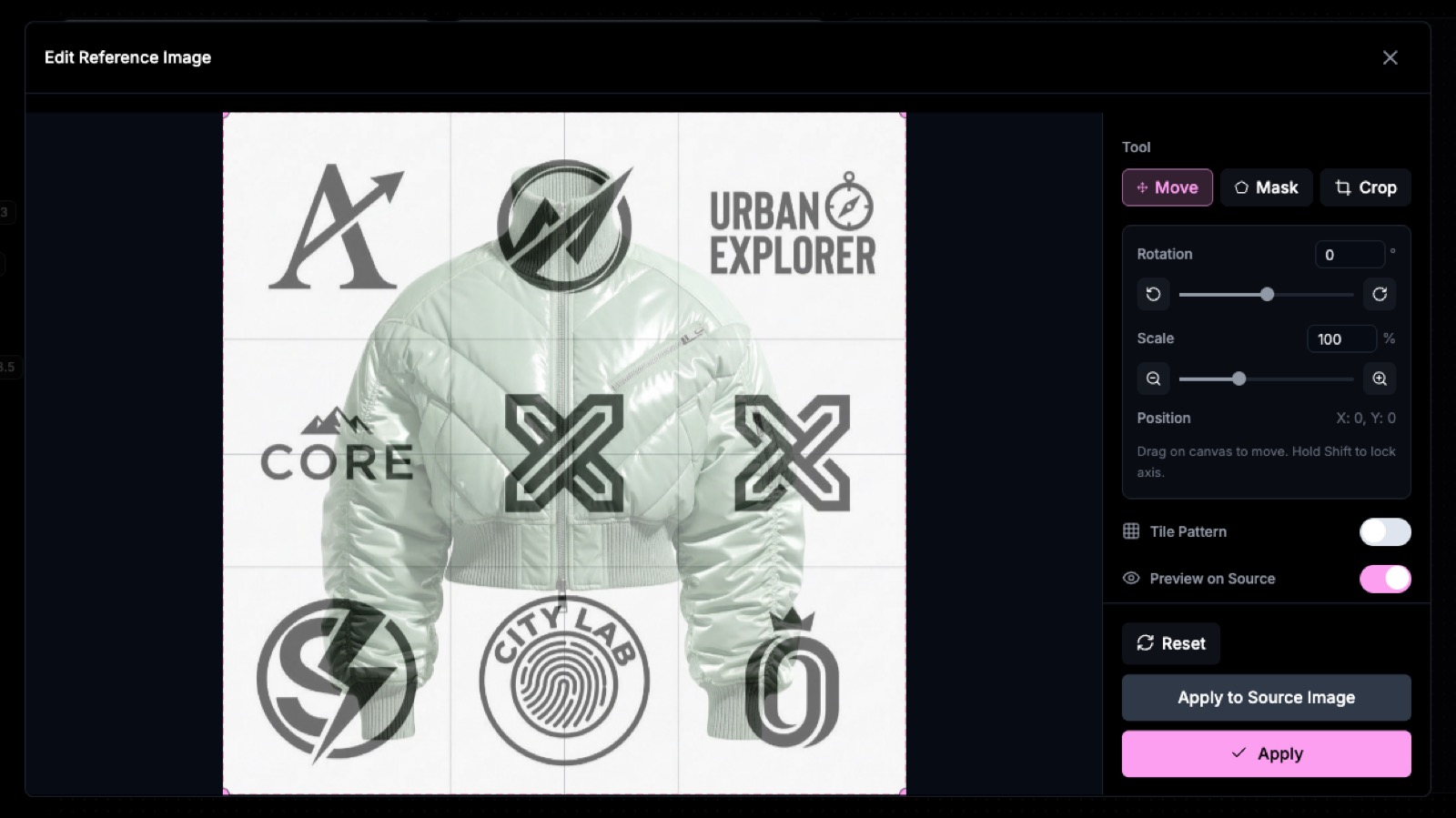
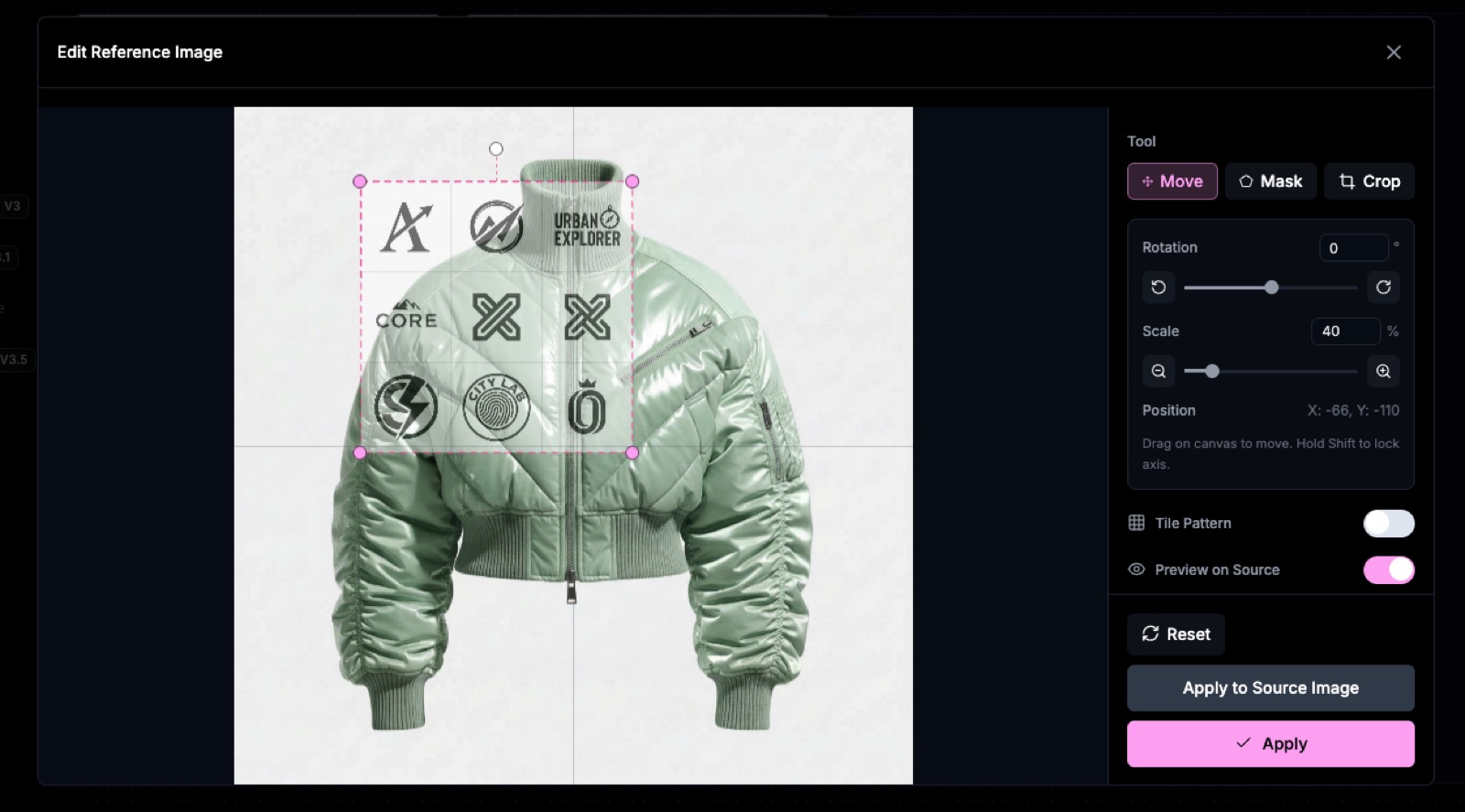
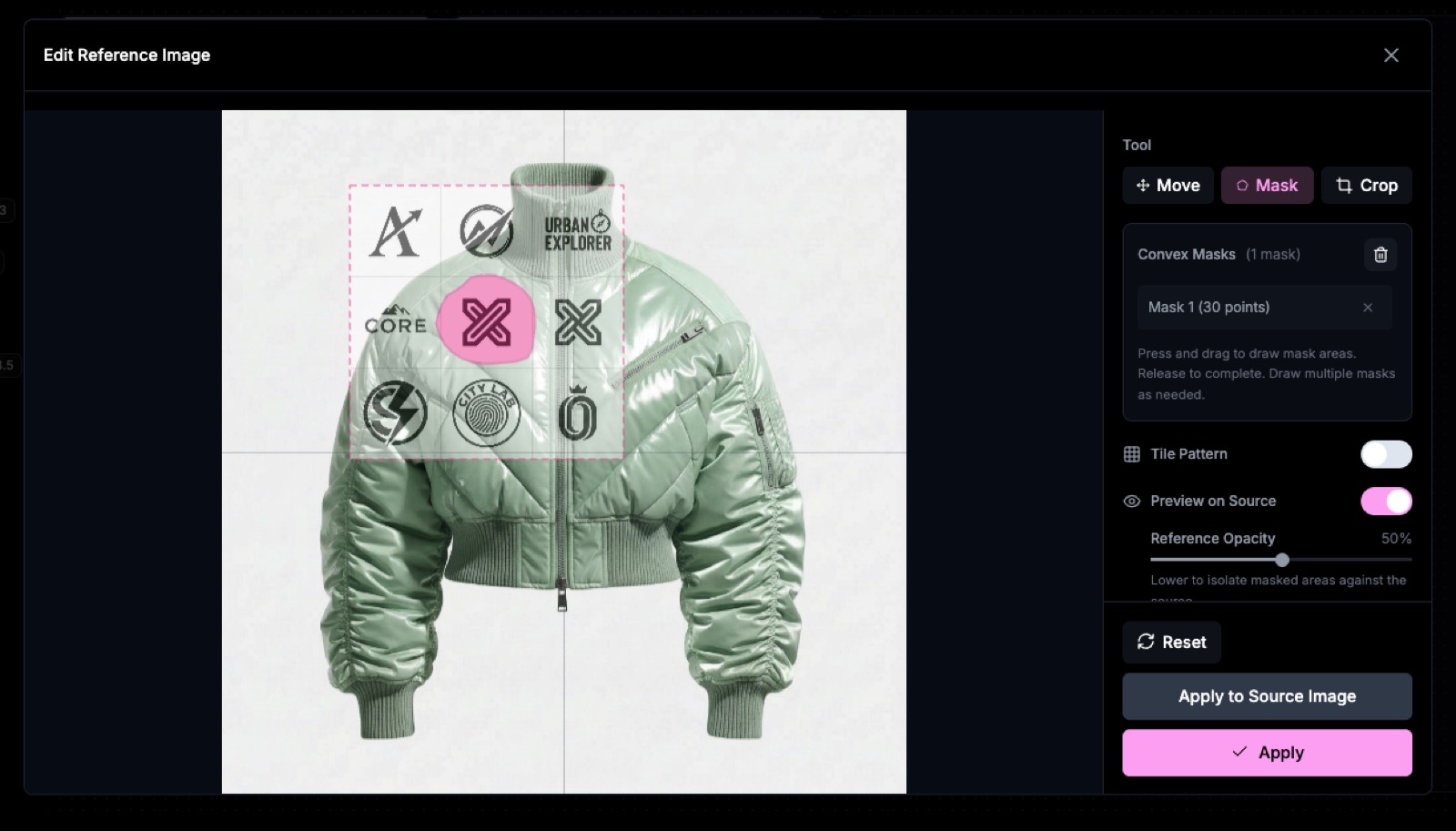


Upload a denim swatch or wash reference to transform the texture and treatment of any garment. The tool reads the visual properties of the reference fabric — distressing, colour, weight — and applies them to the target piece.

Prompt: Apply as acid-washed denim
Reference any fabric or material image to replace or overlay it onto your garment. Ideal for testing how a specific textile looks applied to a coat, jacket, or other piece before production.

Prompt: Use and apply the reference fabric naturally on the coat.
Upload a logo as your reference image to place it accurately on any garment. Use the positioning, scaling, rotation, and masking controls in the reference dialog to align it exactly where you want it before generating.

Prompt: Add this logo as a white embroidery
Flat techpack sketches work as powerful reference images for guiding structural changes. Use a sketch to direct changes to silhouette, construction details, or surface elements on a photorealistic garment render.

Prompt: Apply the structural details from the reference sketch
A collar sketch used as a reference guides the AI to reshape the neckline of any garment to match — useful for rapid prototyping of collar and neckline variations without reshooting.

Prompt: Modify the collar shape to match the reference image.
After multiple rounds of AI editing, image quality can degrade. Press the Enhance button next to the generation arrow to restore sharpness and clarity before continuing your edit session.

Ready to try it? Open The Fabricant Intelligent Tools, switch to High Quality mode, and access the Edit Reference Tool from the reference image panel.
Dive deeper into our latest insights and tips. Subscribe now to stay updated and enhance your knowledge.