We use cookies to improve your experience. You can
read our Cookie Policy and customize preferences.
Cookie Settings
Authored by
Kerry Murphy
Date Published
September 10, 2025
Photo Studio Prompting
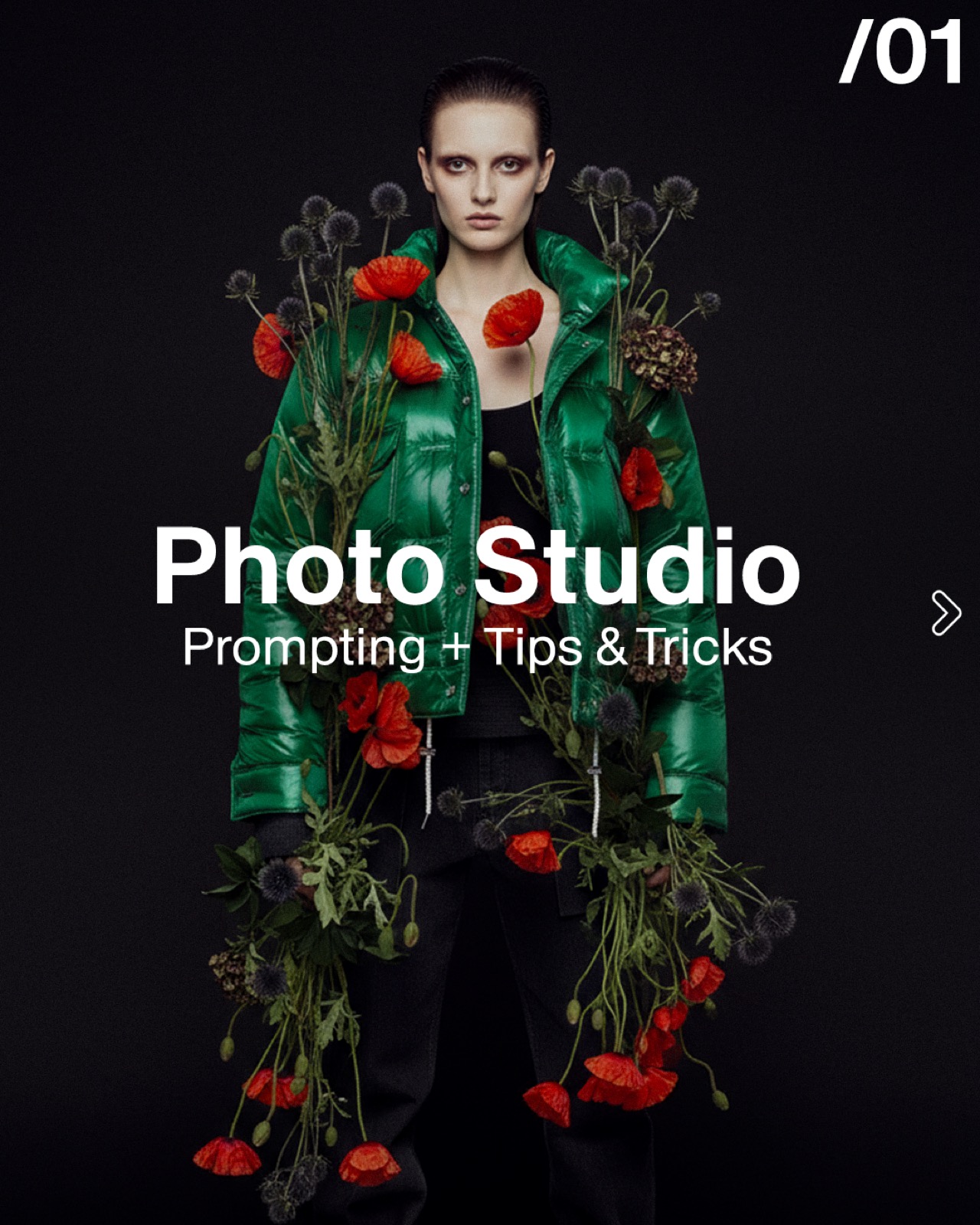
The Fabricant Inteligent Tools Photo Studio is one of the most used tools in our kit. It can create virtual try-on, e-commerce and editorial photography within seconds.
Here are a few simple tips on how to maximize the benefits of it in your work.
The Photo Studio is a very powerful tool when wanting to create high quality fashion photography
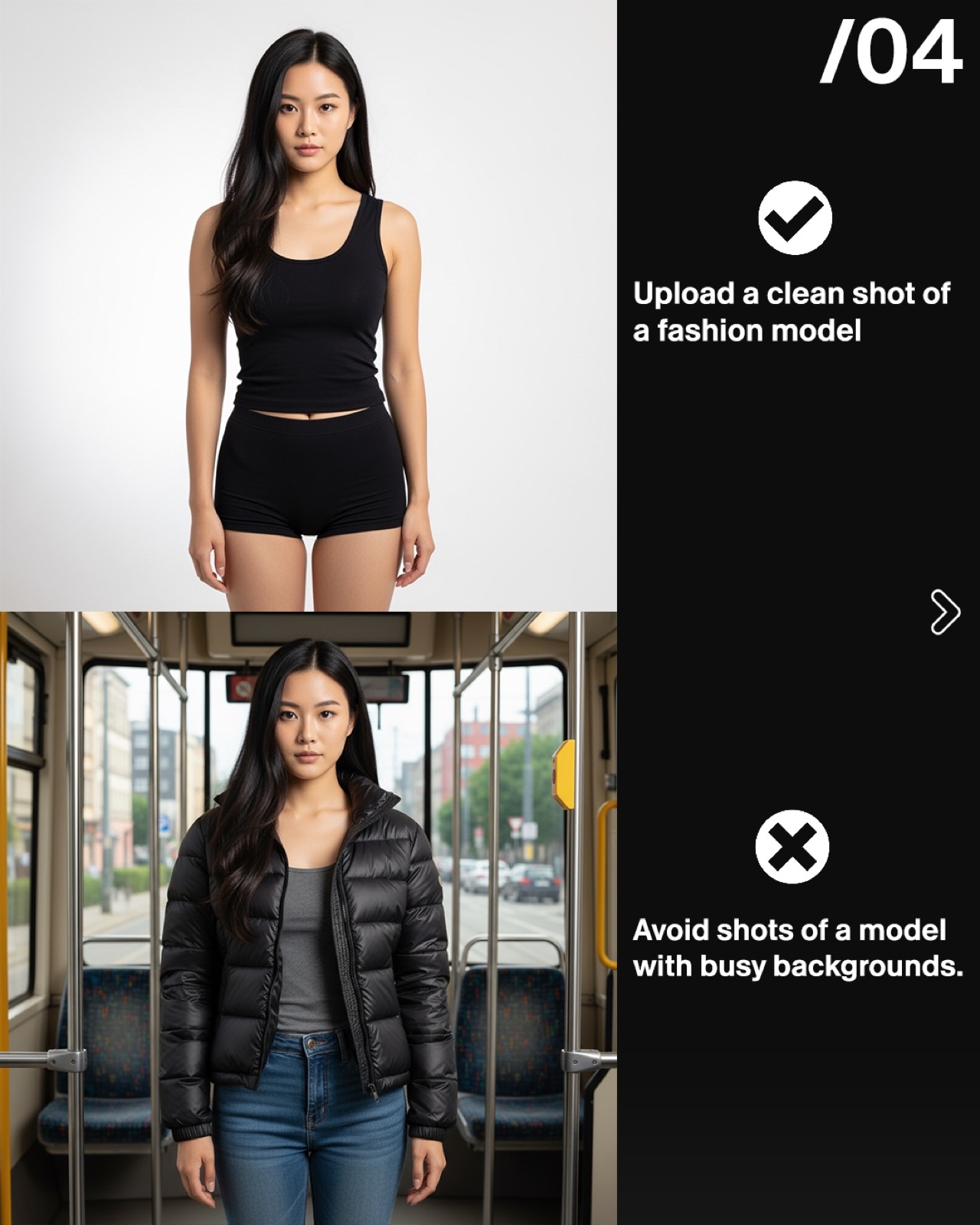
Upload a clean shot of a fashion model. PRO TIP: You can create your own in the Create Image tool
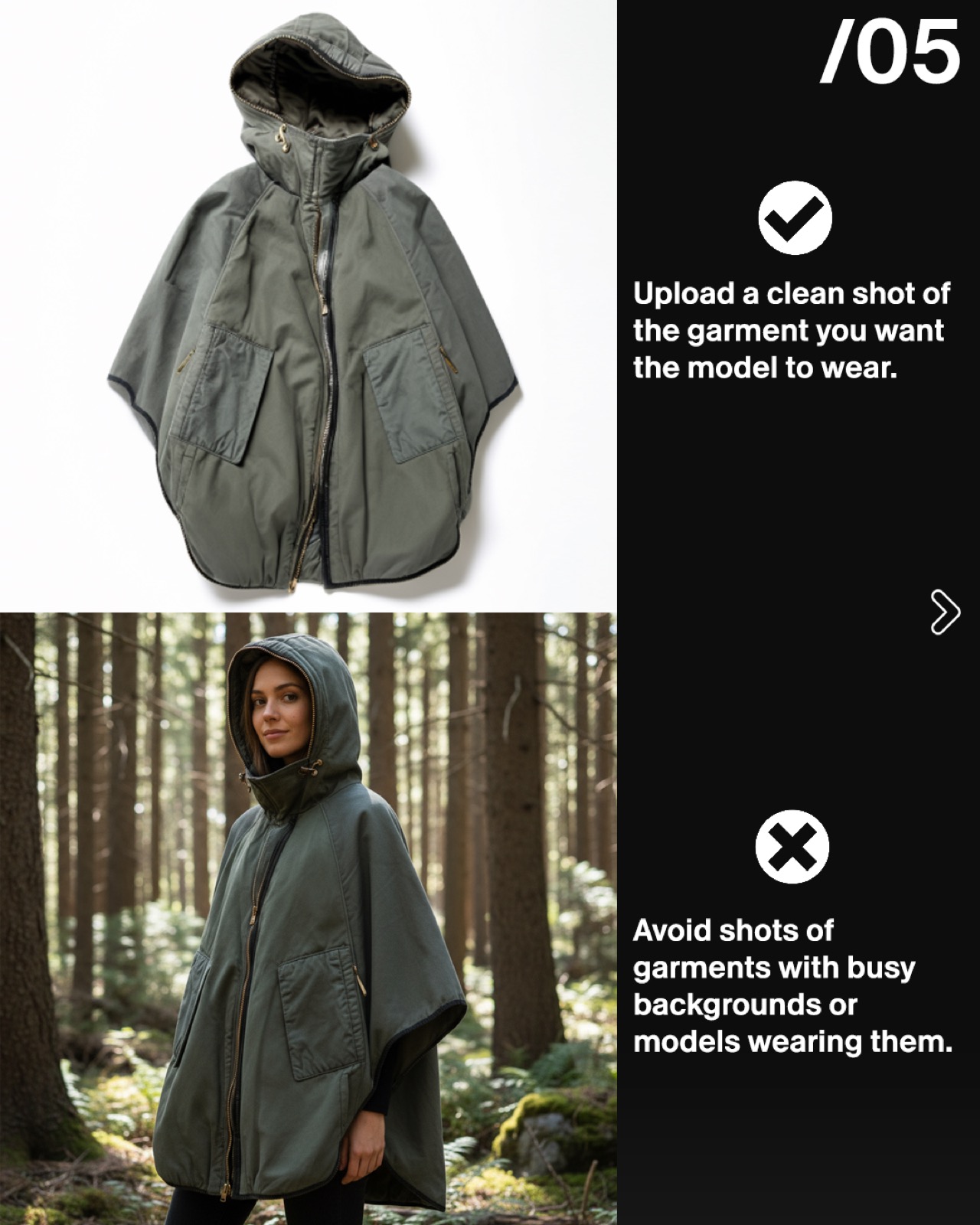
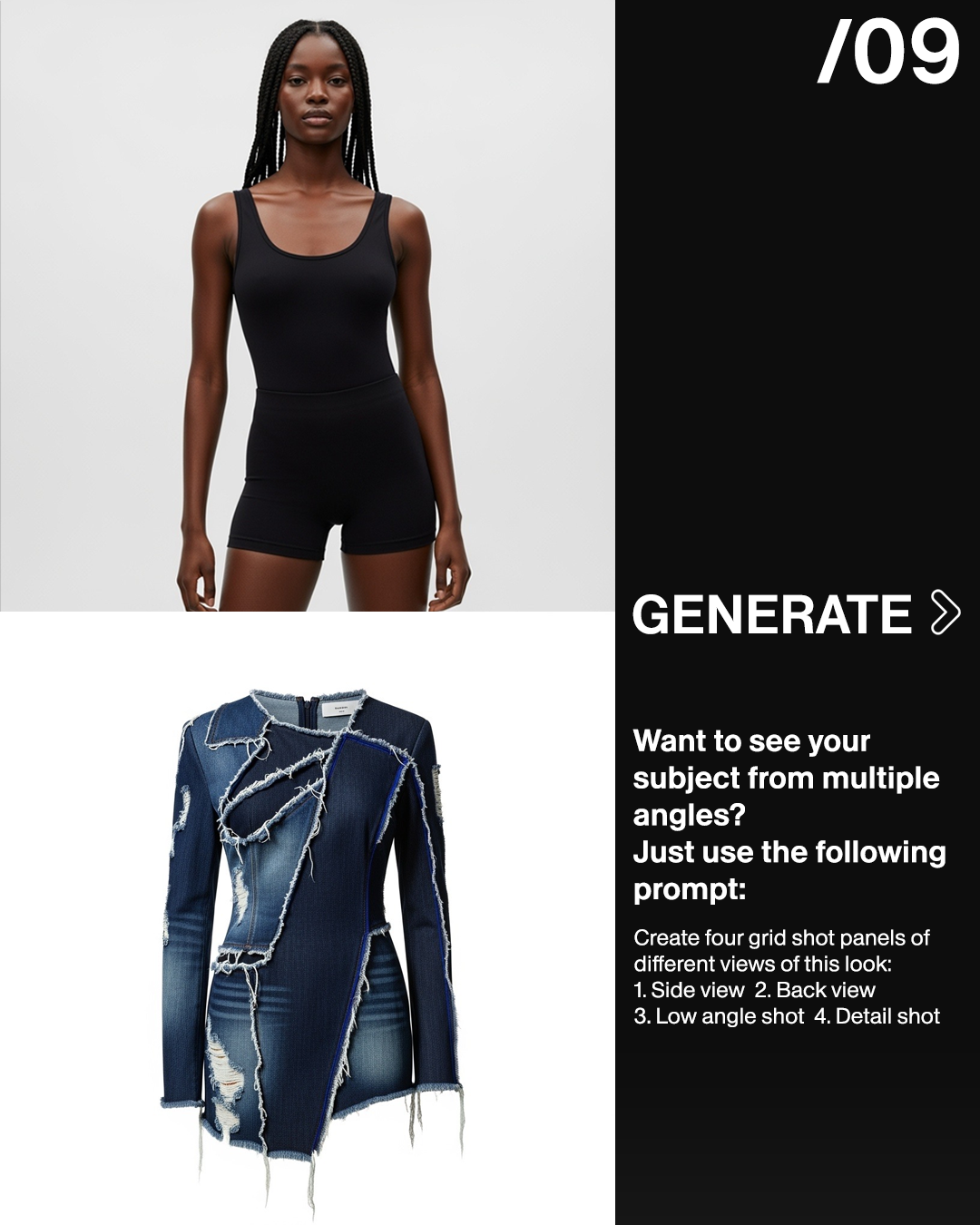
Upload a clean shot of the garment you want the model to wear. Hit generate. Within 10-15 seconds you have your first clean e-commerce ready image.
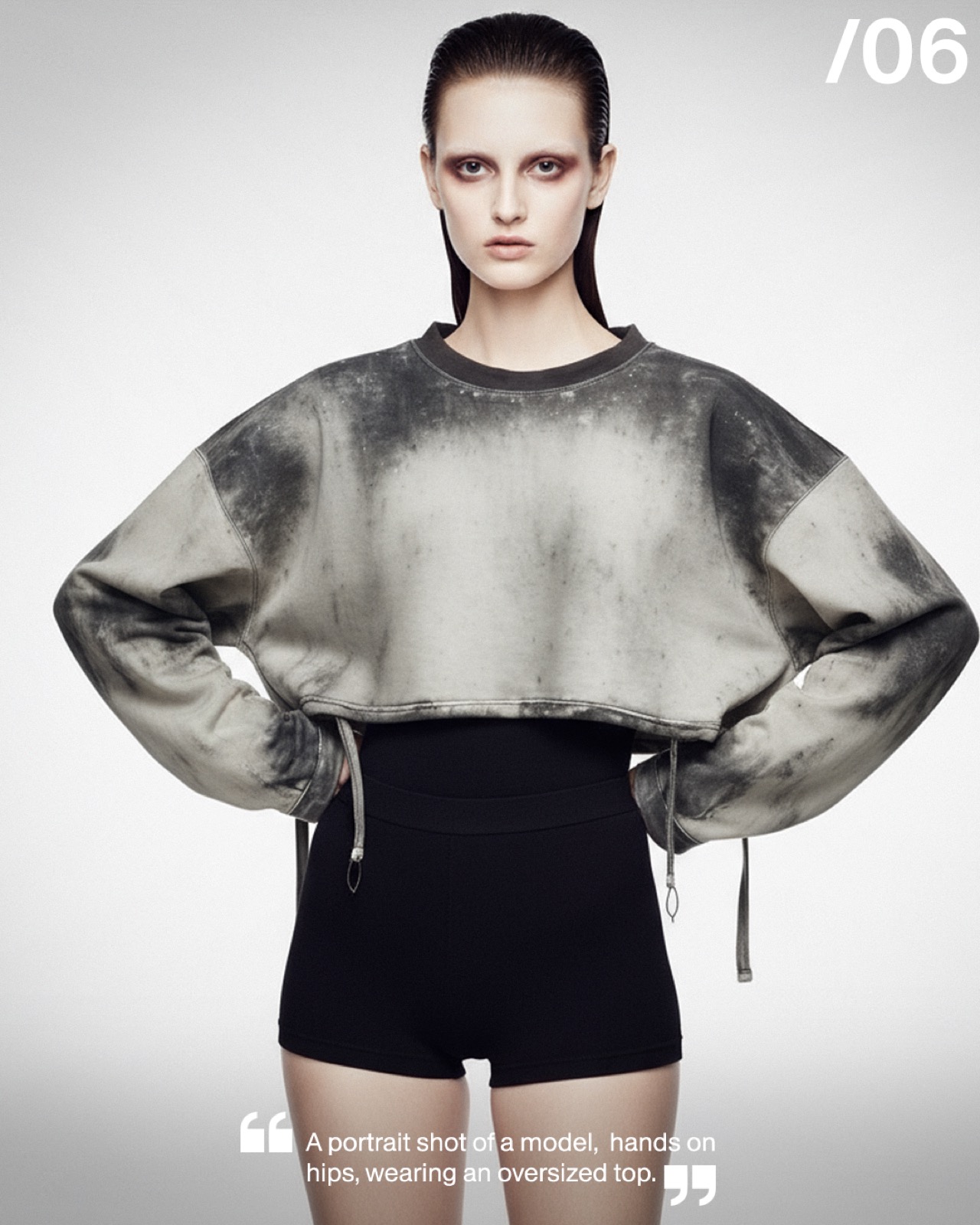
Want to change something in the image or style the garment in a specific way? Write a descriptive text prompt to let the tool know what you want
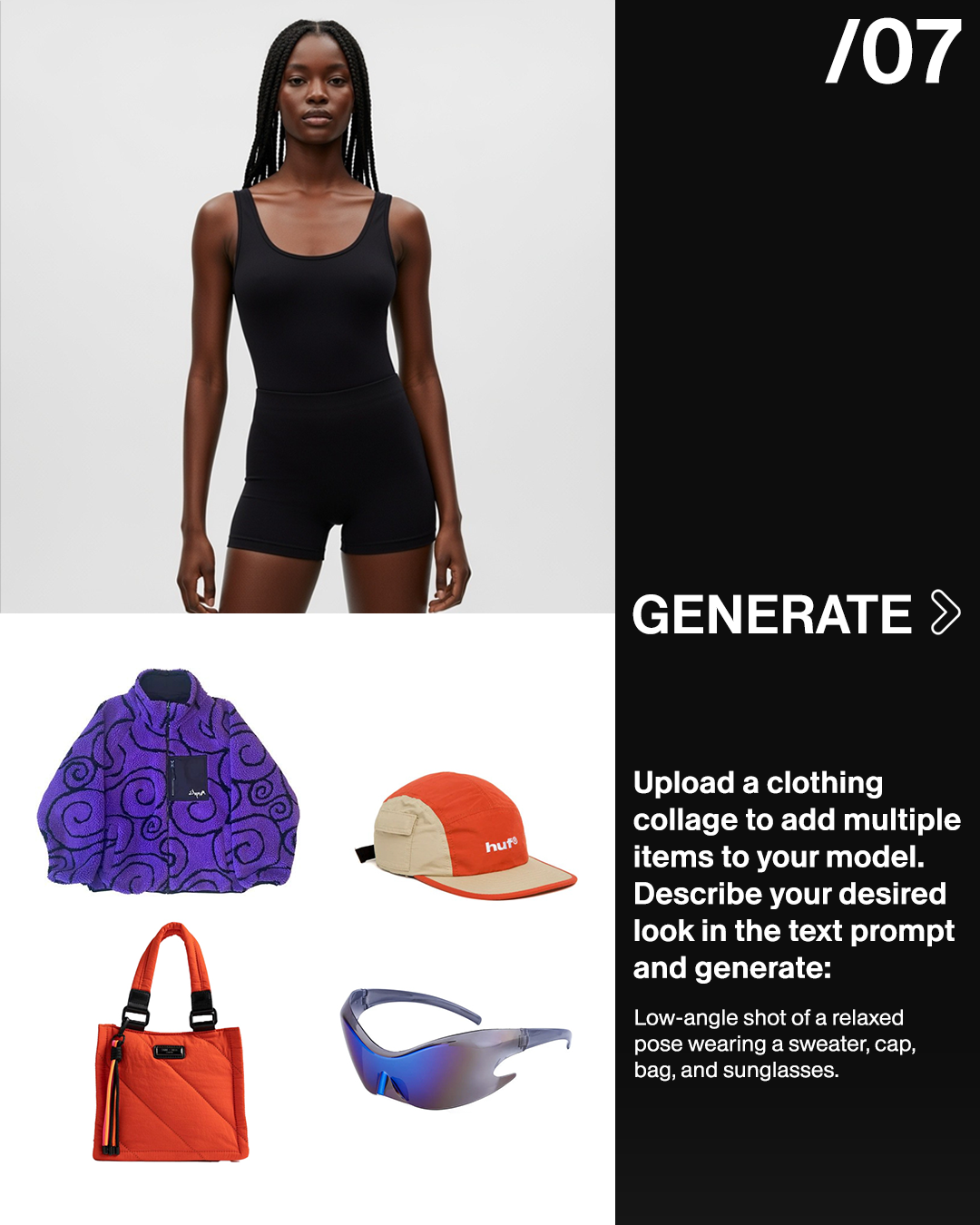
Want to add more than one item to your model? Upload a collage of garments you want to use. Describe what you want in the text prompt and hit generate
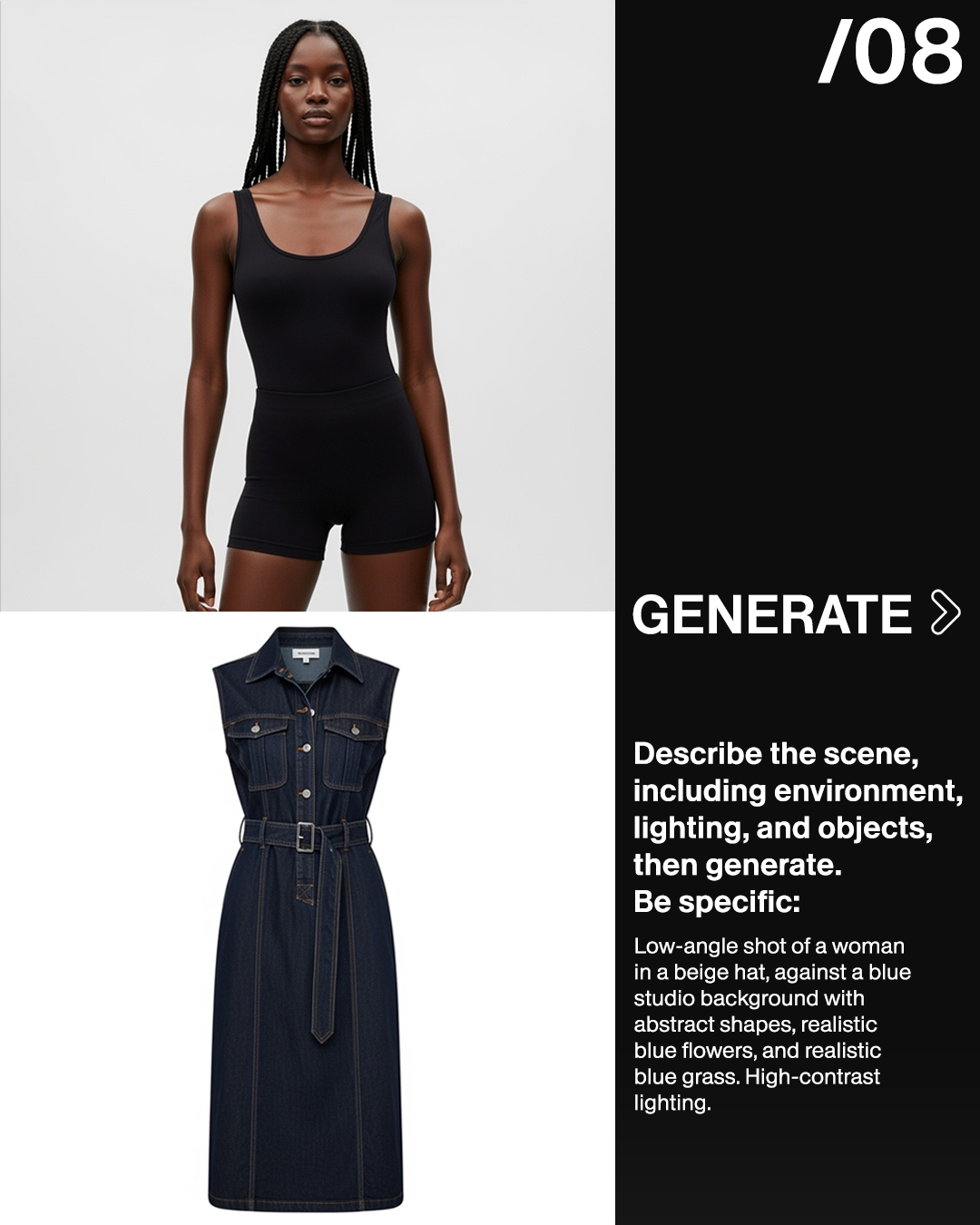
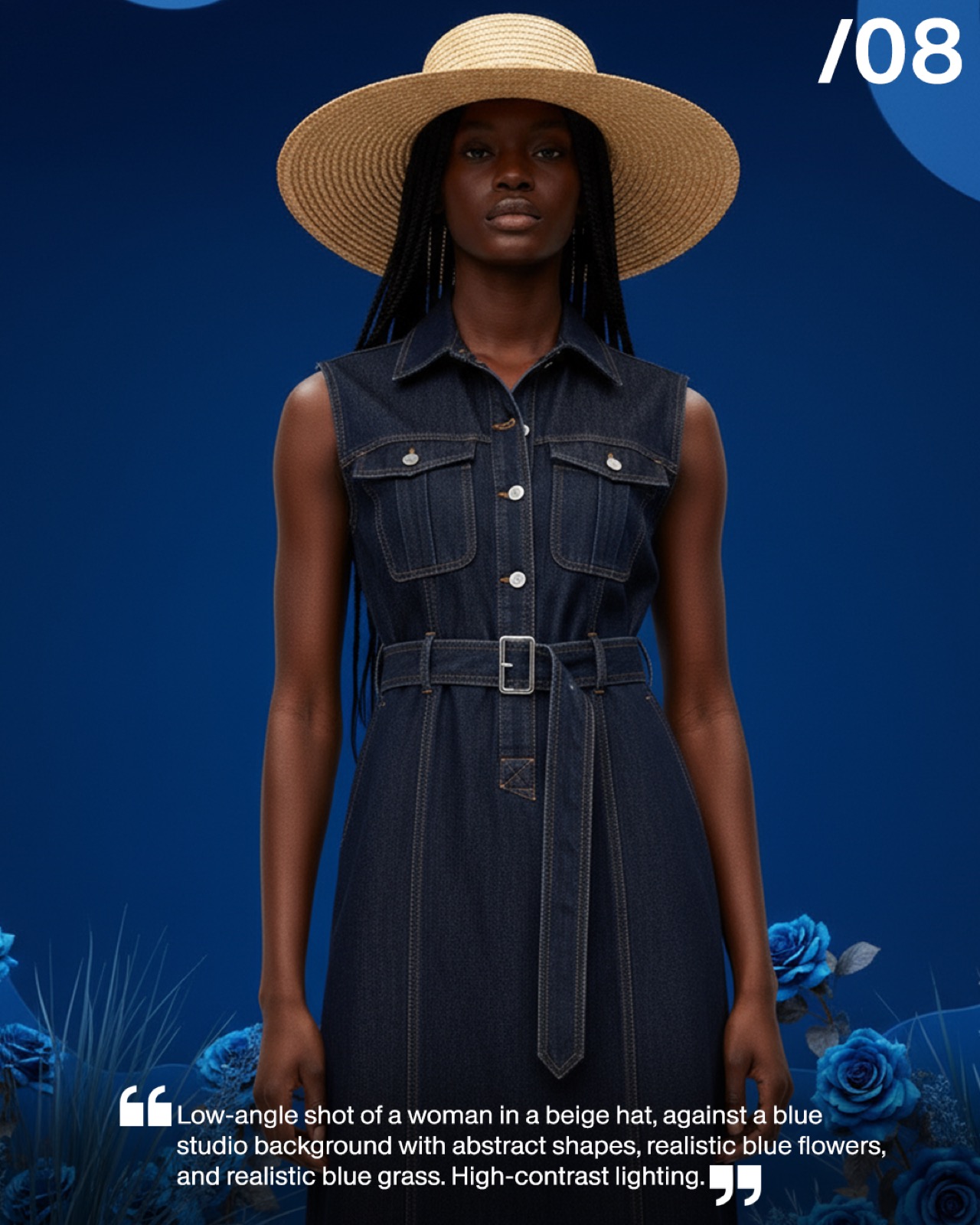
Want to add an environment, lighting and objects? Simply describe the scene and hit generate. Be as specific as possible.
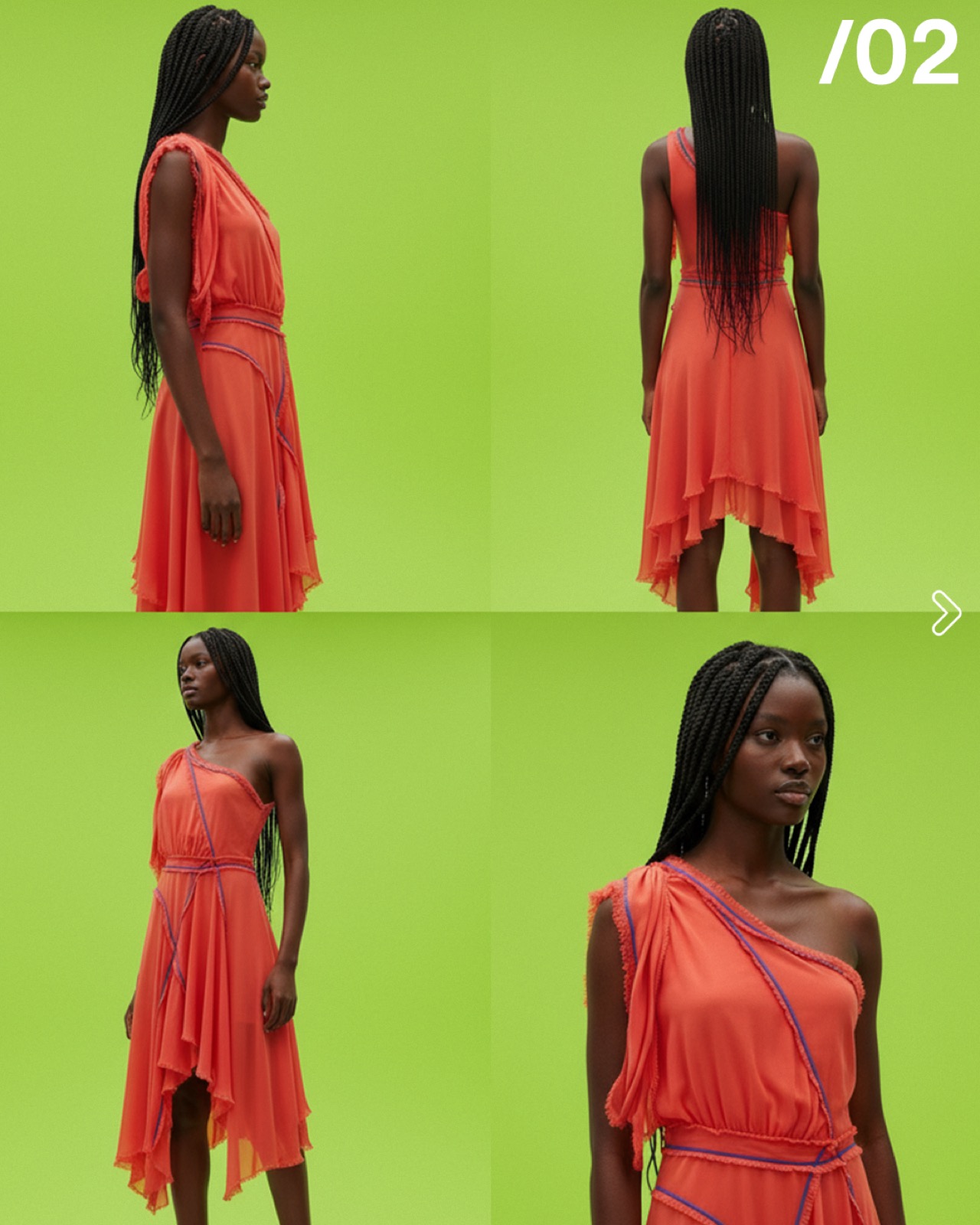
Want to see your subject from multiple angles? Just use the following prompt -
The tool is free for everyone to try out for up to five generations per day. Curious for your results! Please share with us either in our social media (Instagram - the_fab_ric_ant, LinkedIn - The Fabricant) or email to me at kerry@thefabricant.com.
Join the Conversation Today!
Dive deeper into our latest insights and tips. Subscribe now to stay updated and enhance your knowledge.
Thank you! Your submission has been received!
Oops! Something went wrong while submitting the form.